Last updated: November 19, 2026
Quick Answer: When How to Find APKs by App Name When Search Is Messy gets confusing, use the app name first, then confirm the listing with developer name and package name. No guessing. The steps below show how to pull the right file out of noisy results without guessing.
Key Takeaways
- Start with the app name, then verify it with developer and package details.
- Publisher, package, or version terms usually reduce noise faster than name-only searches.
- Developer name helps filter impostors; package name is the stronger match check.
- Official release pages show the app name, publisher, and current build.
Find the exact APK by app name first
One app name can turn into ten lookalikes, old builds, and pages that seem to agree on nothing. Start with the app name as a first pass, not the final match, then verify it with developer name and package name.
Often, the best result is not first. On sites like APKMirror and APKPure, app names get reused, shortened, or tagged badly, so the title alone is thin evidence.
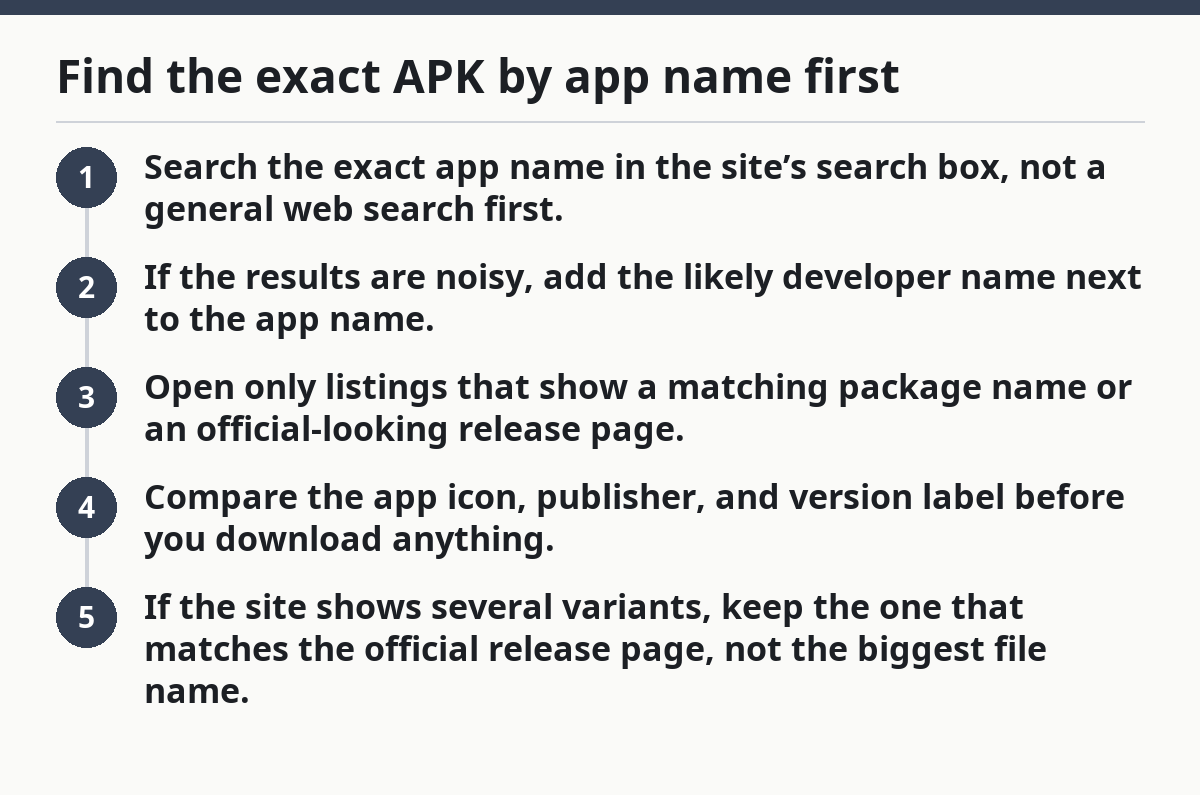
- Search the exact app name in the site’s search box, not a general web search first.
- If the results are noisy, add the likely developer name next to the app name.
- Open only listings that show a matching package name or an official-looking release page.
- Compare the app icon, publisher, and version label before you download anything.
- If the site shows several variants, keep the one that matches the official release page, not the biggest file name.
What you want is a match that survives three checks: the name, the developer, and the package. Miss one of those, and the whole thing gets wobbly fast. Keep searching, and verify with a trusted source.
What search terms cut down the noise fastest?
Publisher, package, and version terms usually cut the noise faster than name-only searches. A plain app name can return 20 junk results; a name plus developer account or package name often shrinks that to a few.
Here’s the catch: search operators vary by site, but the logic stays the same. Use quotes if the site supports them. If it accepts a minus sign, strip obvious junk like “mod,” “hacked,” or “old version.”
- Use quotes for exact names:
"App Name" - Add the developer: `”App Name” developer
- Add the package fragment if you know it:
com.example.app - Remove junk terms with a minus sign when the site allows it:
-mod -hack -beta - Search the official release page name if the app has a long title
A general search can still help, but think of it as a sieve, not the answer. Search engines are good at finding pages; they are worse at telling you which APK is the real one. Exact wording matters.
How do I use the developer name and package name?
Use the developer name to rule out impostors, and the package name to prove the listing belongs to the right app. Package names are the sturdier clue because they usually stay put across releases, while the display name can shift.
Say you find three results with the same title, but only one shows the developer you expected. Inspect that one first; a matching developer account is often the cleanest sign you are on the right trail.
- Open the app listing and scan for the publisher or developer line.
- Check whether the developer name matches the official app store or the app’s own website.
- Look for the package name, often shown as a string like
com.something.app. - Compare that package name with any official release page or store listing you can find.
- If the package name is missing, treat the result as weaker and keep searching; if needed, consult the app’s official site or store listing.
Package names help because they are specific. A listing can call itself “Pro,” “Lite,” or “New,” but the package usually tells you whether it is the same app family or a different build entirely. That difference matters.
How to use official release pages without wasting time
Official release pages tell you what the app should be called, who publishes it, and which build is current. They are the cleanest reference point when APK search results turn into a pile of near-duplicates.
You do not need to overcomplicate it. You are not trying to map every version history here. You are using the official page to confirm the app identity before you download from a directory.
- Check the app name exactly as the publisher writes it.
- Note the developer or publisher name.
- Look at the package name if the page shows it.
- Match the version label on the release page to the listing you found.
- Ignore directory pages that have the right name but the wrong publisher.
Use the official release page as the anchor. If there is no official page, use the app’s own website or a trusted store listing instead. The directory result should line up closely enough that you do not have to guess.
Which APKMirror and APKPure clues matter most?
APKMirror and APKPure are useful because they often show more than just the title, but the useful clues are the ones that identify the app, not the ones that decorate the page. Title matters; publisher, package, and version matter more.
Open a result that looks right, then read the smaller text. That tiny line is where the real answer usually hides. It tells you whether the file belongs to the app you meant or to a different release with a similar name.
Use this quick check list:
- App title: does it match the exact name you searched?
- Developer name: does it match the official publisher?
- Package name: does it match the expected app family?
- Version label: does it look like the release you were trying to find?
- Listing history: does the page show a normal release trail, not a random one-off upload?
The trap is assuming the biggest file or newest date is the right one. It may be, but size and date alone prove nothing. A clean match on name, developer, and package beats chasing the first popular-looking result.
Common mistakes that send you to the wrong APK
The wrong APK usually comes from trusting the app title too much. Titles are easy to copy, and search results often surface clones, regional builds, or old uploads that look close enough to fool a hurried scan.
You are one click away from downloading, and the page title looks right. That is where people miss the mismatch. A second check takes 10 seconds; a bad file can take much longer to clean up.
- Mistake: searching only the app name.
- Cost: you get clones, outdated builds, or unrelated apps.
-
Do this instead: add the developer name or package name.
-
Mistake: trusting the first result.
- Cost: you may download a file with the wrong publisher.
-
Do this instead: compare at least two clues before opening the download page.
-
Mistake: ignoring the package name.
- Cost: two apps can share a similar title but not the same identity.
-
Do this instead: treat the package as the strongest identifier and consult the official release page.
-
Mistake: skipping the official release page.
- Cost: you lose the best reference for the real app name.
- Do this instead: check the publisher’s own page when the directory results look messy.
If the search result still feels fuzzy after those checks, stop and search again with a different clue. Fuzzy is not good enough here.
A simple workflow that works when results stay messy
This workflow gives you a repeatable way to find the right APK without guessing. It works best when you already know the app name and want the exact package, not just any file with a similar label.
Three listings can all look plausible. Slow down there. Follow a fixed order instead of clicking the one with the prettiest page.
- Search the exact app name on the directory site.
- Add the developer name if the first result set is noisy.
- Open the official release page or app store listing in a separate tab.
- Compare the publisher, package name, and version label.
- Keep only the result that matches the official identity on all three points.
- If none match, try a broader search using the package fragment or a more complete app title.
That sequence starts wide and narrows to the identity markers that matter. It is boring in the best possible way. Boring means fewer mistakes.
For more on the directory side of this process, see the hub on APK download directories and app discovery.
When should I stop and search a different way?
Stop and switch methods when the app name never matches the developer or package name after a few tries. At that point, the problem is probably not search quality alone; it may be a regional title, a renamed app, or an outdated directory entry.
You have searched the same name three ways and every result still looks off. That is the sign to move from name-first searching to identity-first searching with the package name or official release page.
If the app has a long history, the display name may have changed between releases. If the app is common, the name may be shared by unrelated tools. In both cases, the package name is the better anchor.
- Stop using name-only searches when the results keep mixing different publishers.
- Switch to package-based searches if you can find the official package string.
- Use the developer name only as a filter, not as proof by itself.
- Treat odd version labels as a warning sign, not a match.
The honest trade-off is simple: name searches are fast, but package searches are more reliable. If the name is messy, the package usually does the heavy lifting.
How do I search for an APK by exact app name?
Put the app name in quotes, then add the developer name if the results are still messy. The exact title helps, but it is not enough by itself because directories often carry clones, old builds, and similarly named apps. If the site supports it, trim obvious junk terms like “mod” or “beta.”
What if the app name returns the wrong APK?
Use the developer name and package name to rule out the wrong result. The title can be copied easily, but the package string and publisher are harder to fake across a real release page. If neither clue matches, skip the listing and keep searching rather than forcing a fit.
How do I confirm the app package before downloading?
Open the listing and compare the package string with the official release page or store entry. The package should match the app identity, even if the display name changes. If the package is missing, unclear, or different from the official source, treat that listing as uncertain and look for a cleaner match.
Drafted with AI; not yet reviewed by a person.