
Install the APK from your Samsung phone’s settings and file manager, not from the Galaxy Store. In How to Install an APK on a Samsung Phone Without Using…
Month: October 2026
How to Spot Fake APK Download Buttons and Mirror Links
In most cases, you can spot a fake APK download button in 3 checks: match the file name, check the link target, and confirm the size or version. The topic…
How to Scan an APK in a Browser Sandbox Before Installing
How to Scan an APK in a Browser Sandbox Before You Install It: To scan an APK in a browser sandbox before installing it, upload the file to a…
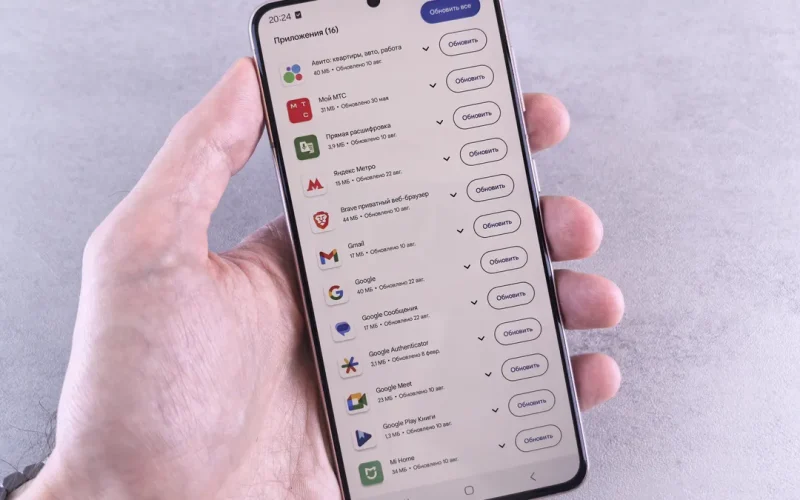
How to Review an APK Permission List Before Installing
How to Review an APK Permission List Before Installing: in about 10 seconds, check whether each permission matches the app’s real job before you install…
How to Compare an APK File Hash with the Original Download
How to Compare an APK File Hash with the Original Download: To compare an APK file hash with the original download, generate the same hash type for your…
How to Back Up Your Android Device Before Trying an APK
How to Back Up Your Android Device Before Trying a New APK: Five steps. That is usually enough to put a safety net under your phone before you test an…

Android APK Safety and Trust: A Complete Guide
Android APK safety and trust — The Complete Guide: 3 checks decide most APK risk — source, signature, and contents. If one is off, do not install.
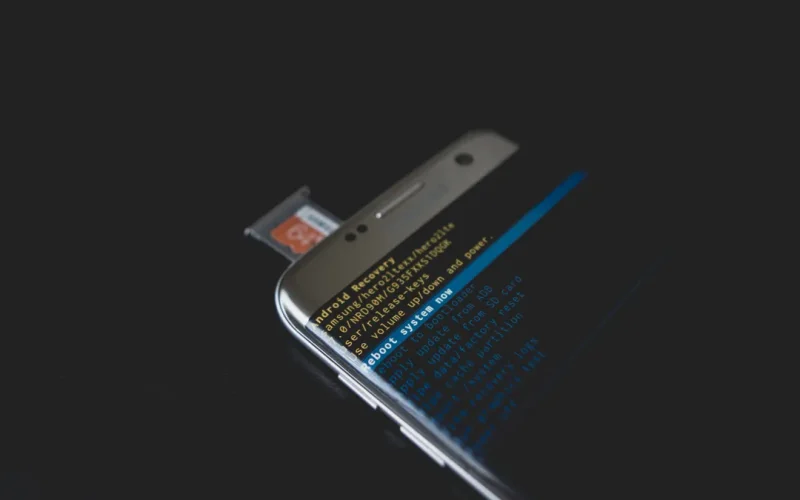
Android APK Installation Environments: The Complete Guide
Android APK installation environments — The Complete Guide: Android APK installation environments are the difference between a clean install and a mystery…