
Last updated: November 19, 2026
Quick Answer: In most cases, you can tell in 3 steps by checking the final URL, the redirect chain, and the file host. This guide shows How to Tell Whether an APK Download Link Points to the Real File Host before you tap download.
An APK download link is real when the URL, the redirect chain, and the final file host all point to the same publisher domain or a known file host. The shortcut is to inspect where the link actually lands, not where the button says it will go. The steps below will help you tell the difference before you tap download.
Key Takeaways
- The visible link text can lie; the final destination URL is what matters.
- A real host usually keeps the same publisher domain or a clearly named file host in the final address.
- Redirects are normal, but a chain that jumps through several unrelated domains is a warning sign.
- Direct file links often end in .apk, while mirror pages usually add an extra click or an intermediate page.
- If the path, domain, and file name don’t line up, it is safer to treat the link as untrusted and, if needed, consult a professional.
Check the final destination, not the label
The final URL tells you where an APK link really goes. The button text can point somewhere else.
Picture this: you’re on a download page, and the button says one thing while the link behind it points somewhere else. The real answer is in the final URL, not the button text or the page headline.
Here’s the catch: many APK sites wrap the real destination inside a redirect url. That means the link can pass through one or more tracking pages before it reaches the file host. If you only look at the page in front of you, you miss the part that matters.
Start with the obvious parts of the address bar:
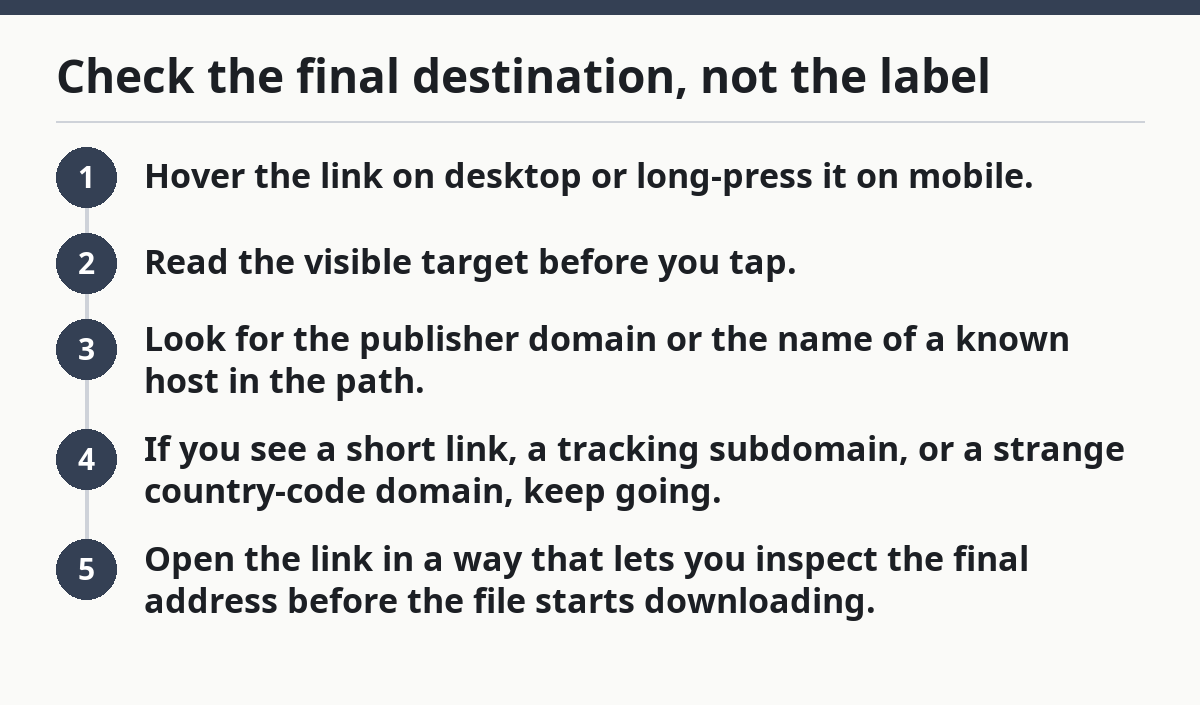
- Hover the link on desktop or long-press it on mobile.
- Read the visible target before you tap.
- Look for the publisher domain or the name of a known host in the path.
- If you see a short link, a tracking subdomain, or a strange country-code domain, keep going.
- Open the link in a way that lets you inspect the final address before the file starts downloading.
A clean link usually keeps the same brand name through the path. A messy one often hides the real host behind a chain of unrelated domains.
- Good sign: the final destination still looks like the source you expected.
- Bad sign: the link starts on one site, bounces to another, then lands on a third with no clear connection.
- Better move: copy the URL and inspect it in a browser that shows the full address bar.
How do I check an APK link before I open it?
You check it by reading the full URL, following the redirect chain, and comparing the final host to the source page. That is a quick way to judge How to Tell Whether an APK Download Link Points to the Real File Host.
Picture this: you’ve found an APK link in a mirror page, and you want to know if it really points to the file host or just another hop. The right check takes less than a minute if you know where to look.
Use this procedure:
- Copy the link instead of tapping it. A copied URL shows the exact target string, which is harder to fake than button text.
- Scan the domain name first. The domain is the clearest clue; everything after it is just path noise.
- Look for obvious redirect markers such as
/redirect,/out,/go, or a long tracking query string. Those do not prove harm, but they do mean the link is not direct. - Open the link in a browser that lets you view the address bar after each hop. On many browsers, the final host appears within a second or two, before the page fully loads.
- Compare the final host to the site’s stated source. If the page says “official mirror” but the link ends on a random file-sharing domain, you have a mismatch.
A real host usually shows one of three patterns: the publisher’s own domain, a recognizable mirror domain named on the source page, or a direct file host with a clear file path. Anything else deserves a second look.
The trick is not perfection. It’s pattern matching.
- If the link changes only once, that can be normal.
- If it changes three or four times, the chain is doing too much.
- If the final host has no naming link to the app, the source page, or the publisher, pause before downloading.
What does a direct APK file link look like?
A direct APK file link usually ends with .apk and lands on a host that serves the file itself, not a page full of download buttons. That is the cleanest version of the path.
Picture this: you click a link and the browser either starts a file download or opens a plain file page with a filename that matches the app. That is often a sign you’ve reached the actual host, not just a mirror page.
A direct link tends to have a short, plain shape:
- the file name includes the app name or version;
- the extension is .apk;
- the page has few other actions besides download;
- the host name stays stable after the click.
A mirror page looks different. It may list one or more download buttons, add a wait timer, or send you through a confirmation screen. That does not make it fake by itself. It just means you have not reached the file host yet.
The difference matters because a direct file link is easier to audit. You can see the exact file name, and in many cases the final domain appears in the browser bar with little drama.
Two things often fool readers:
- A page that looks “official” but sends you to a third-party host.
- A file host that shows the right app name but hides the real file behind a generic page.
Use the file name as a clue, not as proof. A file called appname-v3.2.apk helps, but it does not prove the host is the source you want.
A quick host check that takes 10 seconds
- Read the domain from left to right.
- Ignore subfolder noise like
/download/or/files/. - Ask whether the host name belongs to the publisher, the mirror brand, or neither.
- If it’s neither, it is safer to treat the link as a separate source until proven otherwise and, if the decision matters, consult a professional.
How to inspect a mirror chain without getting lost
A mirror chain is real when each hop can be traced back to the source page and the last host matches the path the site promised. If one hop breaks that chain, the link is no longer acting like a simple mirror.
Picture this: the APK page says “mirror,” then sends you to a second page, then a third, then a file host. That chain can be fine if each step is expected. It can also be the sign of a link farm. The difference is in the domain names and the order.
Use the chain like a paper trail:
- Start with the source page URL.
- Record each domain the link touches.
- Mark the point where the page stops being informational and starts being a file host.
- Check whether the final host name appears anywhere on the source page.
- If the final host is a surprise, stop and re-read the source page for wording like “powered by,” “hosted by,” or “mirror provided by.”
This is where many people get fooled by a single word: “mirror.” A mirror is only useful if it mirrors the same file and the same release. If the chain lands on a host that changes the file name, adds a packed installer, or swaps the version without explanation, that is not a clean mirror.
The strongest clue is usually consistency across three points:
- source page language,
- redirect path,
- final host domain.
When those line up, the link is likely pointing where it says it points. When they don’t, the chain is telling a different story.
Which link clues tell me I’m on the real file host?
The real file host usually shows a stable domain name, a matching file name, and a download page that behaves like a file server rather than a sales page. That combination is stronger than any single clue.
Picture this: you’ve opened the last URL in the chain and need a fast judgment. The page may still look busy, but the host itself gives away a lot if you know the signs.
Watch for these specific clues:
- The domain is the same across the page and the file request.
- The URL path is simple, not stuffed with tracking tokens.
- The file name matches the app name or release tag.
- The page offers one obvious file action, not five competing buttons.
- The browser download indicator shows an APK file instead of an archive or a webpage.
A wrong host often feels noisy. It may push extra tabs, ask you to click through multiple screens, or throw unrelated ads around the file action. That does not automatically mean the file is bad, but it does mean the path is not clean.
On the flip side, a real host can still have some friction. A login wall, a wait timer, or a quota message does not prove the host is fake. It only means the server is using a gate. The key question is still the same: does the host name match the source’s claim?
If you want a source model to compare against, look for a page that names the host plainly and keeps the same domain throughout the handoff. That is the pattern the hub on APK download sources and mirror discovery is built around.
Signs the host is probably wrong
- The final domain has no visible connection to the app or publisher.
- The link uses a shortener and then jumps again.
- The file name changes between the source page and the download host.
- The host page looks like a generic landing page with an APK attachment pasted on top.
What a generic article gets wrong about APK hosts
A generic article says “check the URL” and stops there. That leaves out the part that actually helps: how to compare the redirect chain, the domain, and the file path together.
Picture this: you already know a domain can be spoofed in a screenshot, but you still need to know whether the link lands on the real host. The weak advice tells you to “be careful.” The useful advice tells you where the chain breaks.
The usual mistakes are predictable:
- Treating the first page as the destination.
- Confusing a mirror page with a file host.
- Assuming any page with an APK button is the source.
- Ignoring the final host name after a redirect.
- Trusting the app name in the page copy instead of the actual URL.
That last one causes the most trouble. A page can say “official APK” and still route you to a third-party host. The copy is marketing. The URL is evidence.
Another mistake is overcorrecting. Some readers see any redirect and assume the link is fake. That is too blunt. A redirect url can be normal, especially when a site uses a mirror page or a download manager. The real issue is not redirecting; it is whether the chain is transparent and consistent.
If the page hides the host name entirely, that is also a clue. A trustworthy source often has little reason to obscure where the file lives. If you need three clicks and a guess to find the final domain, the link is not helping you.
Common mistakes and what they cost
- Clicking too early — you may land on a different host than the one you expected.
- Trusting page labels — you may miss a cross-domain redirect.
- Ignoring file names — you may download the wrong build or version.
- Treating every mirror as equal — you may confuse an alternate host with the original source.
A fast manual check you can use on any APK link
A fast manual check works because the answer is usually in the domain, the redirect path, and the file name — not in a long checklist of technical tricks.
Picture this: you only have the link in front of you and a minute to decide if it points to the real host. You do not need a lab setup. You need a clean read on the URL.
Use this 4-part check:
- Read the domain. Is it the publisher domain, a named mirror, or an unrelated host?
- Follow the redirects. Does the link hop once or bounce across several domains?
- Compare the file name. Does it still look like the app you expected?
- Match the page claim. Does the final host fit the wording on the source page?
If all four line up, the link is probably where it should be. If two or more conflict, treat the host as unconfirmed.
This is the point where people want certainty. The truth is, URL inspection gives you a high-confidence judgment, not a legal guarantee. A link can still be awkward, outdated, or misfiled. But for the simple question “is this the real file host?” the domain trail is the best signal available.
Good practice is boring. That is a feature.
- One source page.
- One clean chain.
- One final host.
- One file name that makes sense.
FAQ
how to tell where an apk link really goes
You tell by checking the final destination URL after any redirects. The visible button text is not enough, because many APK links pass through tracking pages or mirror pages first. Read the domain, compare it with the source page, and confirm that the final host matches the claim made on the page.
how to check an apk file host
You check the APK file host by reading the host name in the address bar and comparing it with the source’s stated mirror or publisher domain. If the link bounces across several unrelated domains, the host is not clearly identified. A direct file host usually shows a stable domain and a file path that looks like a download, not a sales page.
what is an official file host for apks
An official file host for APKs is the domain the publisher uses or names as the place where the file is served. That can be the publisher’s own site or a mirror host they clearly identify. If the source page does not name the host, or the final domain is unrelated, treat it as a third-party host rather than an official one.
Drafted with AI; not yet reviewed by a person.